See LayerScape in action
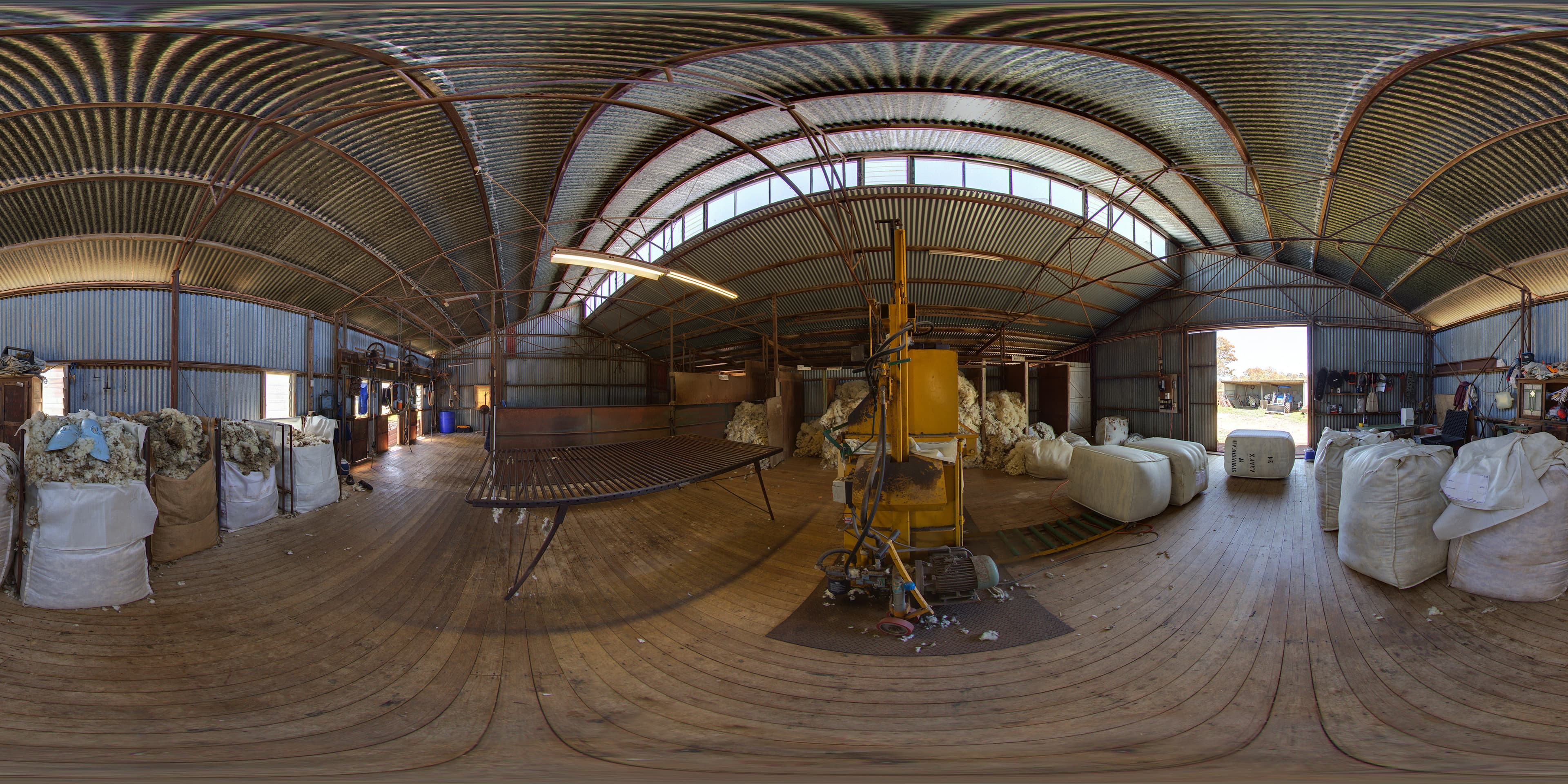
Explore 360° Scene
Step 1 of 3
See LayerScape in action
Drag to look around the 360° scene below.
1
Ready to try it yourself?
Start for free →What you get
✏️
Draw & Annotate
Labels, arrows, freehand pen and highlighter.
🔢
Number & Mark
Numbered markers to guide viewers through key points.
📐
Shapes & Highlights
Rectangles, circles, masks and spotlights.
🔗
Share Live
5-digit code. Every device. Real time.
🎬
Multi-Scene
Guided 360° sequences (coming with Studio).
📱
VR Ready
Works on VR headsets, tablets, phones and desktops.